
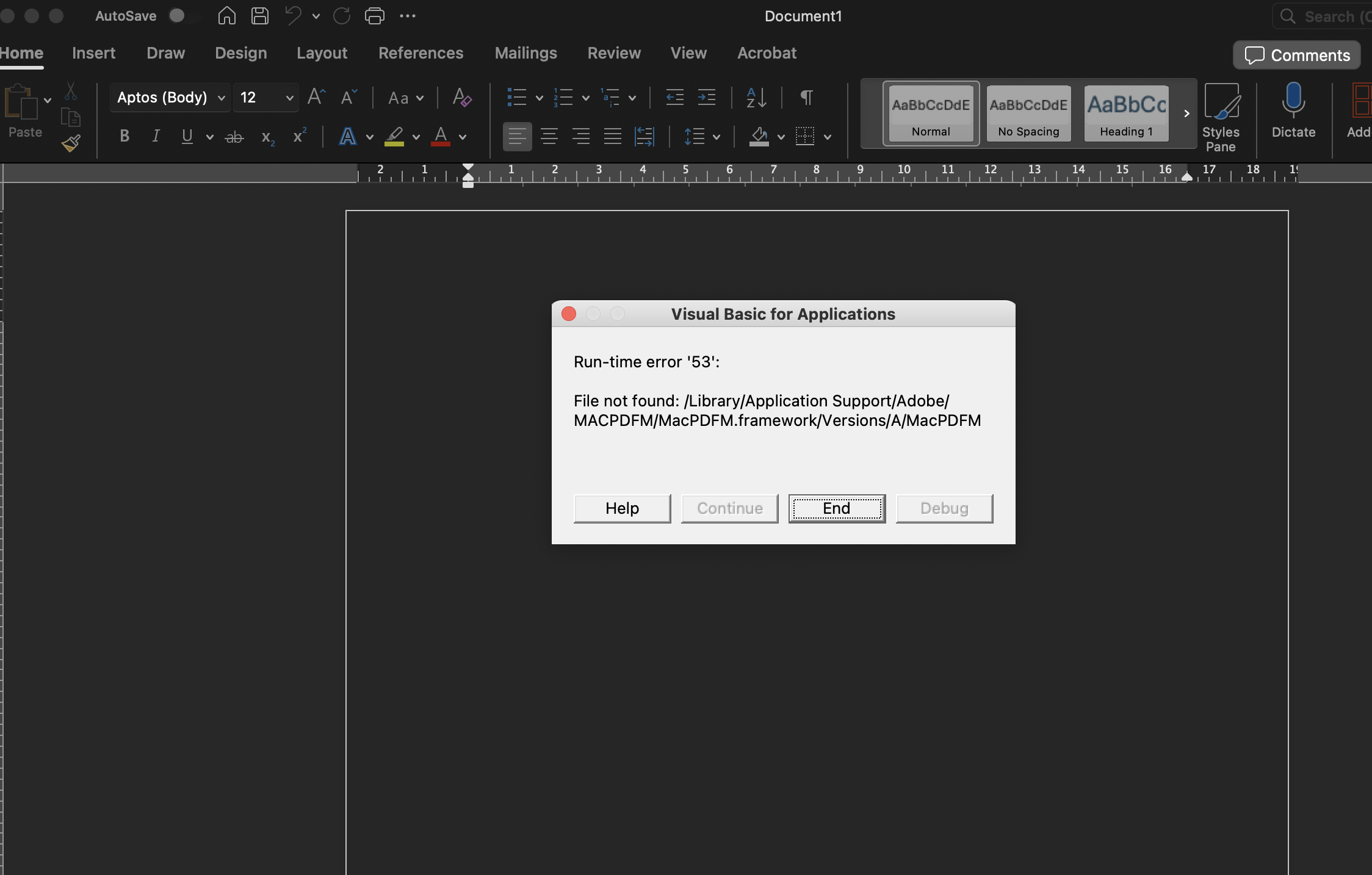
เวลาเปิดไฟล์ Office บน Mac OS แจ้งเตือน Error พวก Adobe
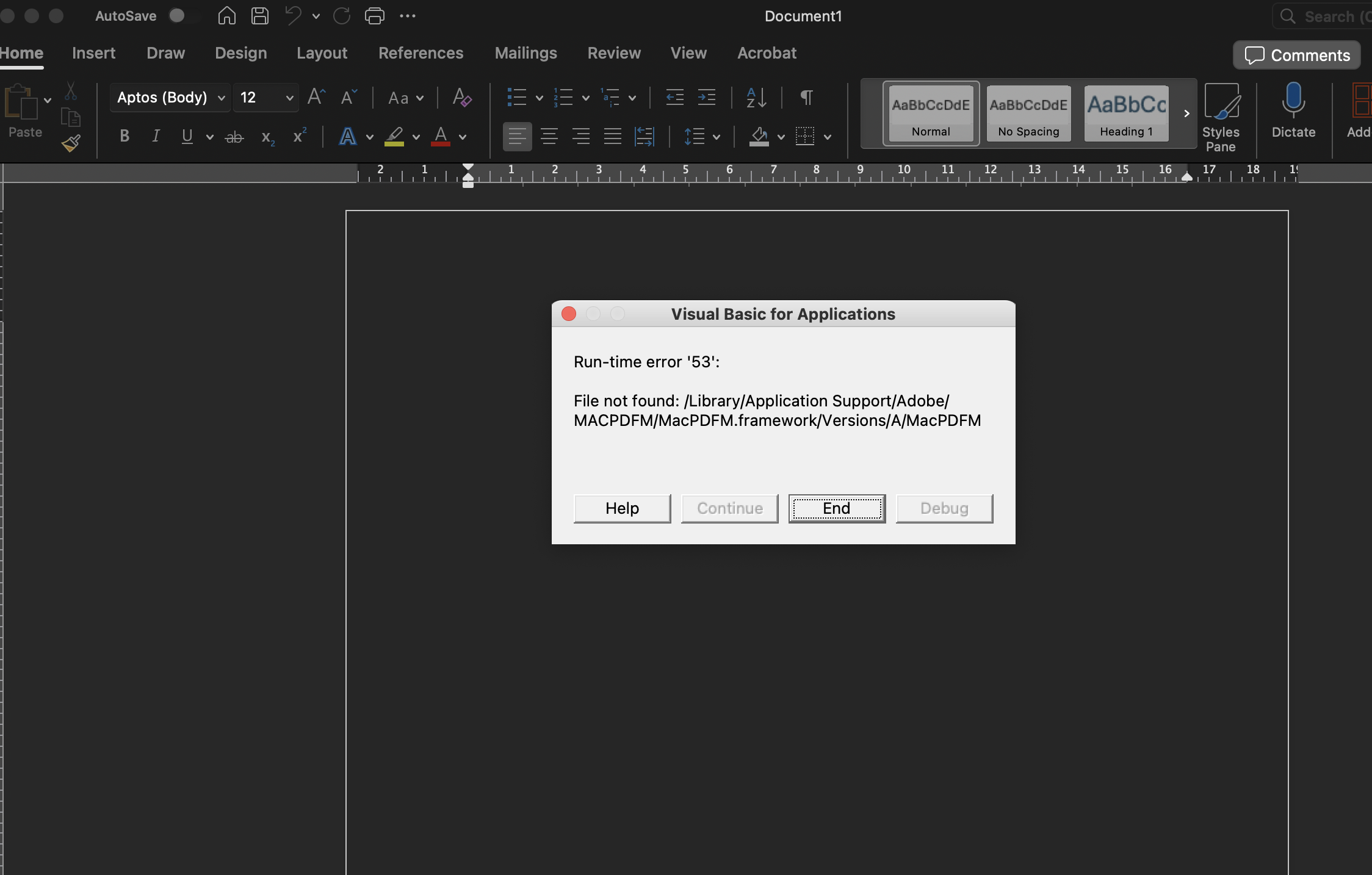
สาเหตุเกิดจากลบโปรแกรม adobe บางตัวแล้ว plugin ถูกลบไปไม่หมด เลยทำให้เวลาเปิด office word excel power point แล้วจะแจ้งเตือน error

วิธีแก้ (เรียงจากง่าย → ชัวร์)

✅ เอา Adobe PDF Add-in ออกจาก Office (แนะนำที่สุด)

ปัญหานี้ไม่ได้มาจาก Office พัง แต่มาจาก Adobe Add-in

  1. ปิด Word / Excel / PowerPoint ให้หมด

  2. ไปที่ Finder → GoGo to Folder…

  3. วาง path นี้ทีละอัน แล้วลบไฟล์ที่เกี่ยวกับ Adobe ออก
~/Library/Group Containers/UBF8T346G9.Office/User Content/Startup/Word
~/Library/Group Containers/UBF8T346G9.Office/User Content/Startup/Excel
~/Library/Group Containers/UBF8T346G9.Office/User Content/Startup/PowerPoint

วางทีละตัวแล้วกด Enterมันจะเข้าไป folder นั้นแล้วหาไฟล์ตามด้านล่าง

  1. ถ้าเห็นไฟล์ประมาณนี้ ให้ลบออก

    • AdobePDFM.dotm

    • LinkCreation.dotm

    • หรือไฟล์ชื่อ Adobe อื่น ๆ

  2. เปิด Word / Excel ใหม่ → ปัญหาจะหายทันที ✅

By admin

Leave a Reply

Your email address will not be published. Required fields are marked *

This site uses Akismet to reduce spam. Learn how your comment data is processed.