ใช้ python load Youtube สามารถโหลดได้ทั้ง Playlist แล้วสามารถ convert ได้ save เป็น MP4 แบบละเอียดหรือจะเอาแบบ MP3 เพื่อเอาแต่ไฟล์ audio ก็ได้
ขั้นแรกสำหรับใครที่ยังไม่ INSTALL PYTHON ทำตามนี้ ถ้าใครมีอยู่แล้วข้ามไปได้เลย
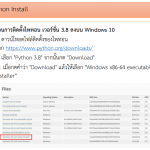
STEP 1 Install Python
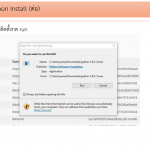

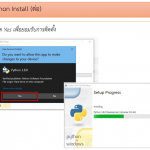
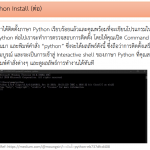
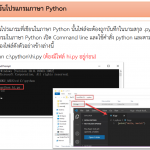
STEP 2 เอา Text Editor แก้ไขโค้ดเช่นใช้ Visual Studio Code หรือ Notepad
from pytube import YouTube
from pytube import Playlist


SAVE_PATH = "E:/YouTube" #to_do


#link of the video to be downloaded
links= "https://www.youtube.com/playlist?list=PLPOjgWbgnn45tbIpcIBYCFjVYBaFXdleB"

playlist = Playlist(links)

PlayListLinks = playlist.video_urls
N = len(PlayListLinks)
#print('Number of videos in playlist: %s' % len(PlayListLinks))

print(f"This link found to be a Playlist Link with number of videos equal to {N} ")
print(f"\n Lets Download all {N} videos")

for i,link in enumerate(PlayListLinks):

    yt = YouTube(link)
    #  1 download ไฟล์วิดีโอแบบรายละเอียดสูง
    #d_video = yt.streams.filter(progressive=True, file_extension='mp4').order_by('resolution').desc().first()
    #d_video.download(SAVE_PATH)
    # 2 download แบบ audio และ Save เป็น mp3
    d_video = yt.streams.filter(only_audio=True).first()
    d_video.download(SAVE_PATH,filename=f"{yt.title}.mp3")

    print(i+1, ' Video is Downloaded.')
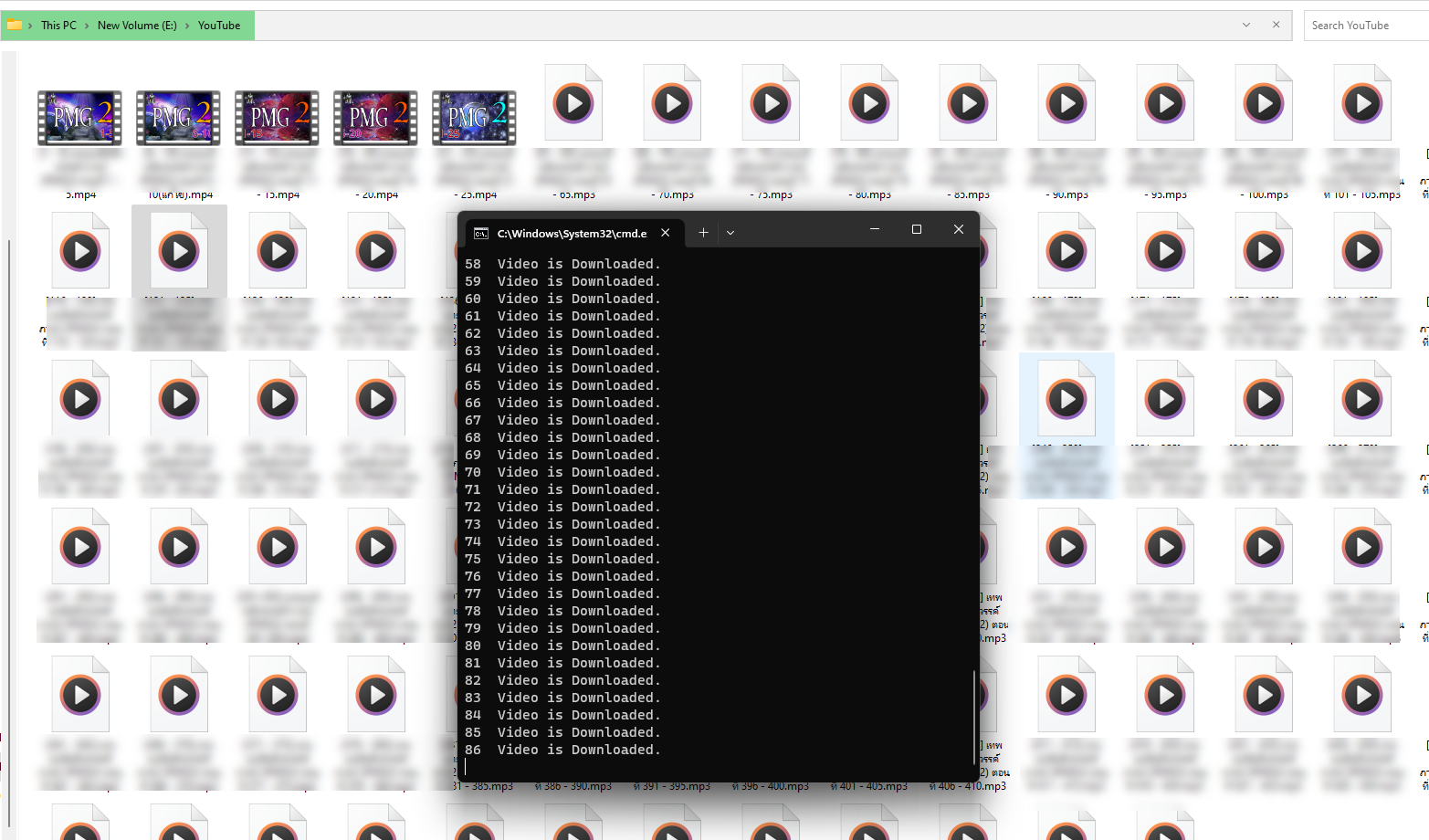
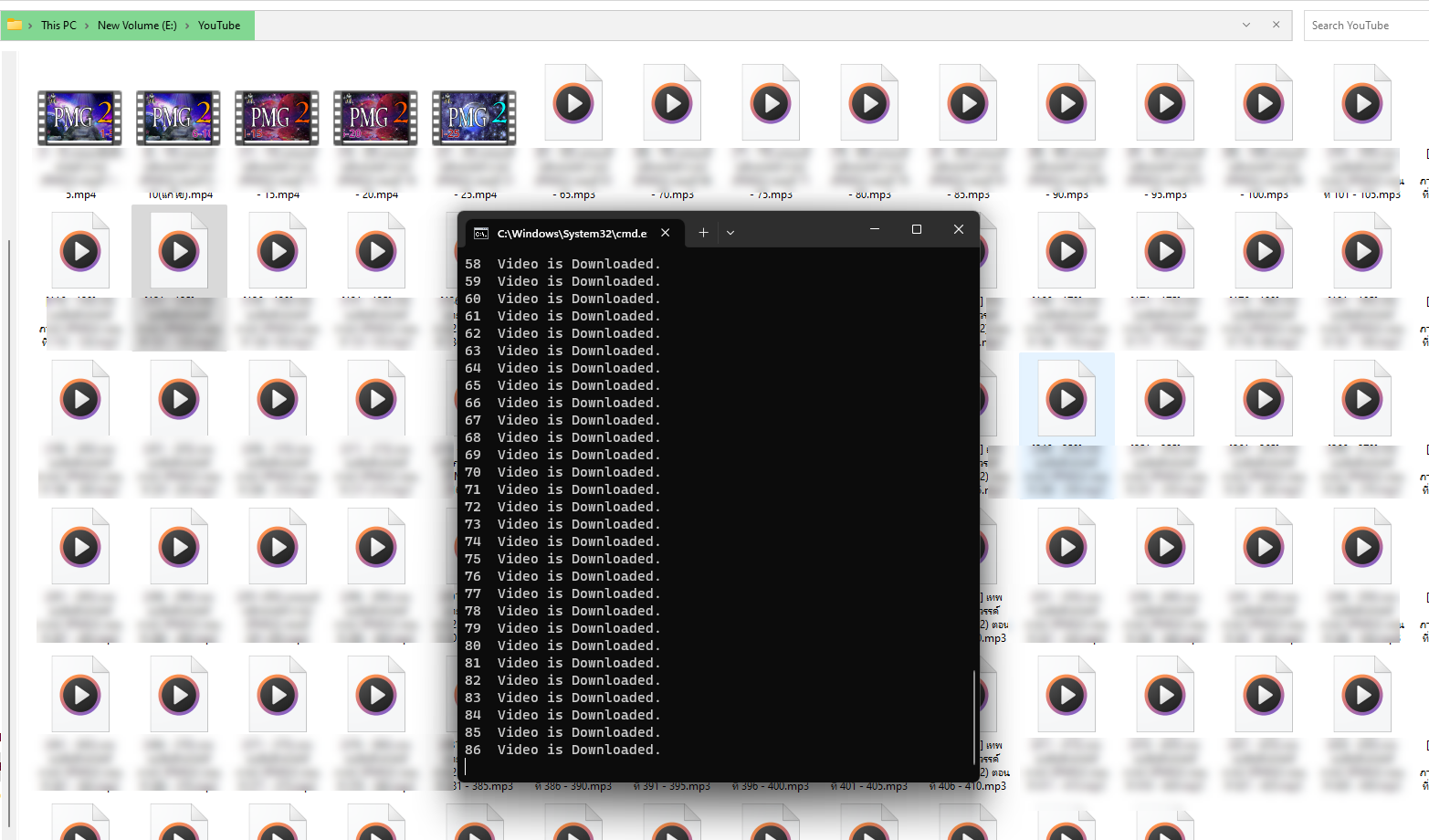
จากตัวอย่างด้านบน # คือคอมเม้น ผมได้ปิดการโหลดแบบ MP4 ไว้ เพราะต้องการแค่ MP3 เลยใช้โค้ดใน # 2 download แบบ audio และ Save เป็น mp3 ผลลัพธ์ที่ได้
พอพิมพ์โค้ดเสร็จก็ Save File และ run python ดังภาพด้านล่าง
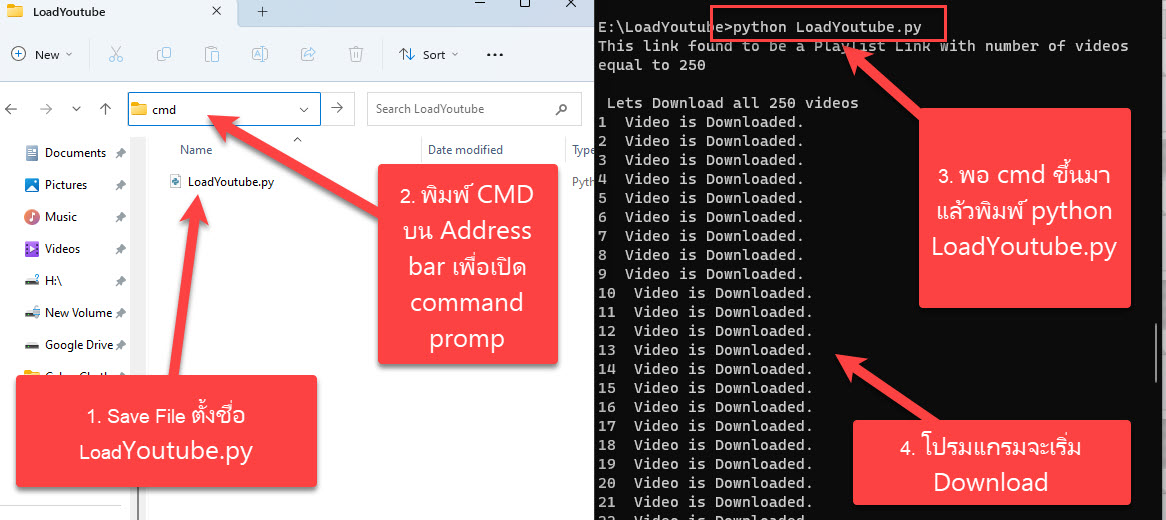
ผลลัพธ์ที่ได้ โปรแกรมจะเริ่ม download file ตามภาพด้านล่าง